
Access the server where SecturaSYNC is installed.
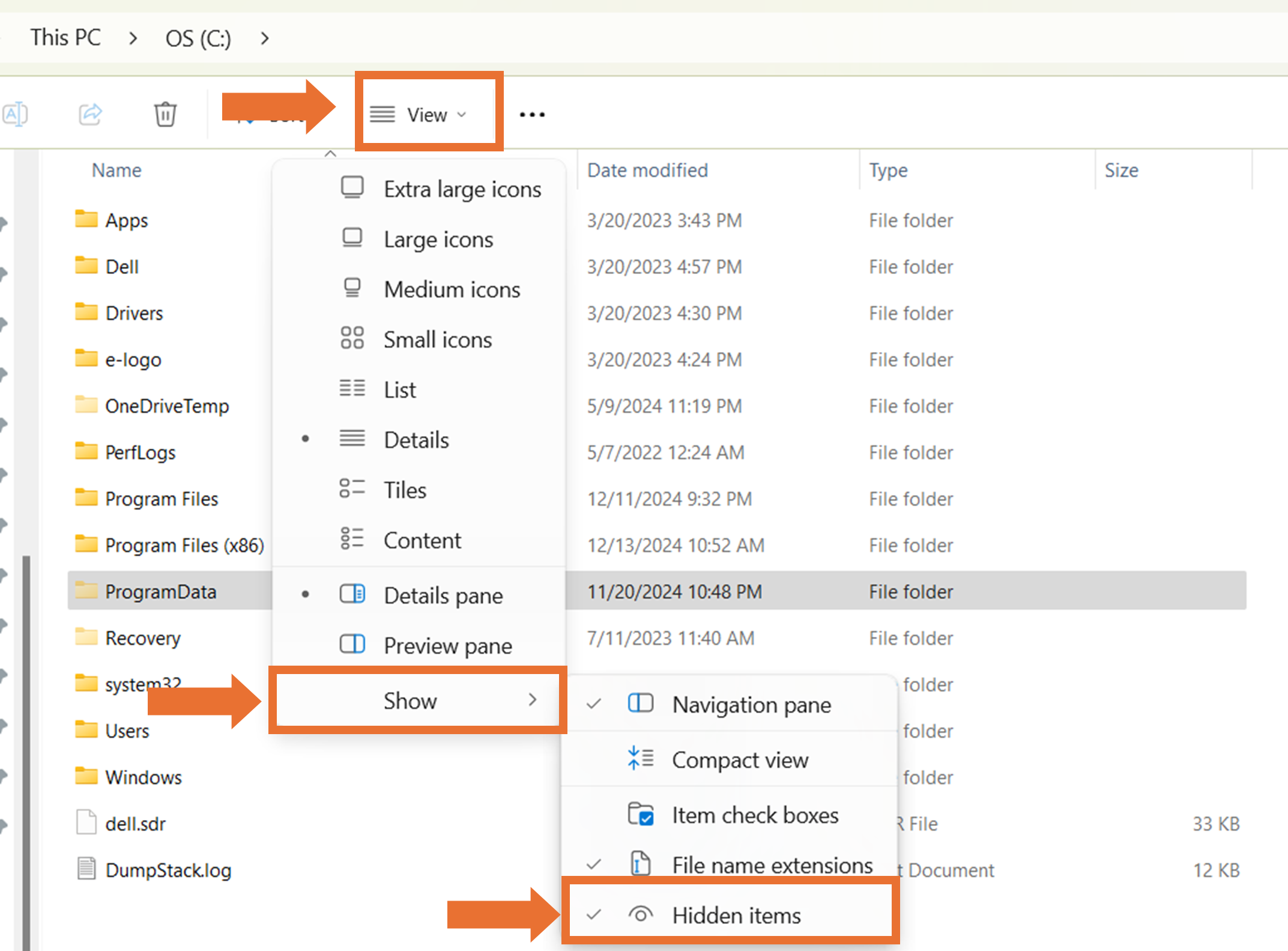
Allow hidden files to be displayed by selecting View and then Show. Make sure the Hidden items is checked to show hidden files.
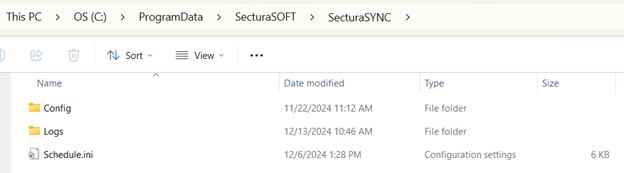
- Navigate to “C:\ProgramData\SecturaSOFT\SecturaSYNC\Logs” to access the log files.
- Navigate to “C:\ProgramData\SecturaSOFT\SecturaSYNC\Config” to access the config file.
Related to