Do you need to set up a rule based on material type? How about adding a rule for a specific operation? Cost rules allow you to set properties of a quote based on some defined rule.
Let's explore.
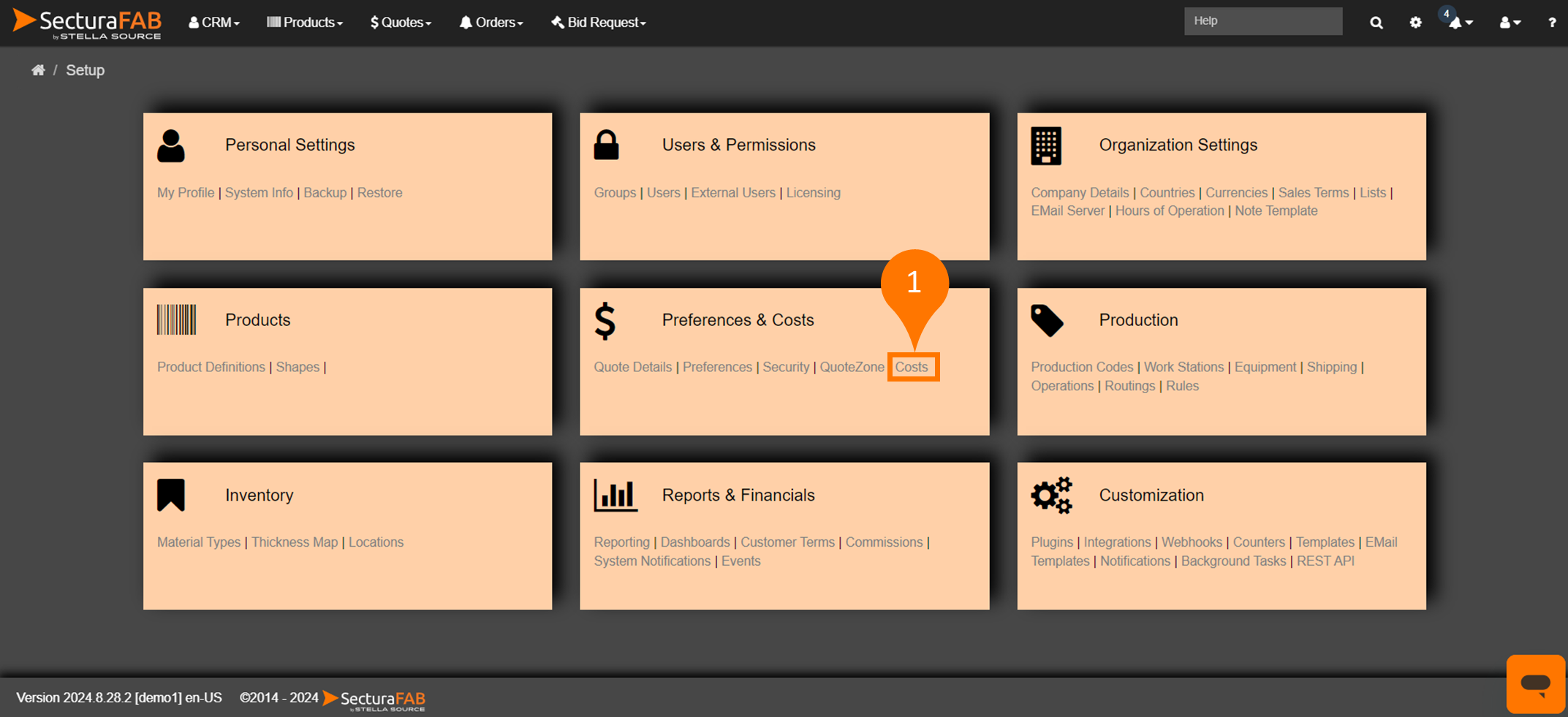
From Preferences & Costs, select "Costs."
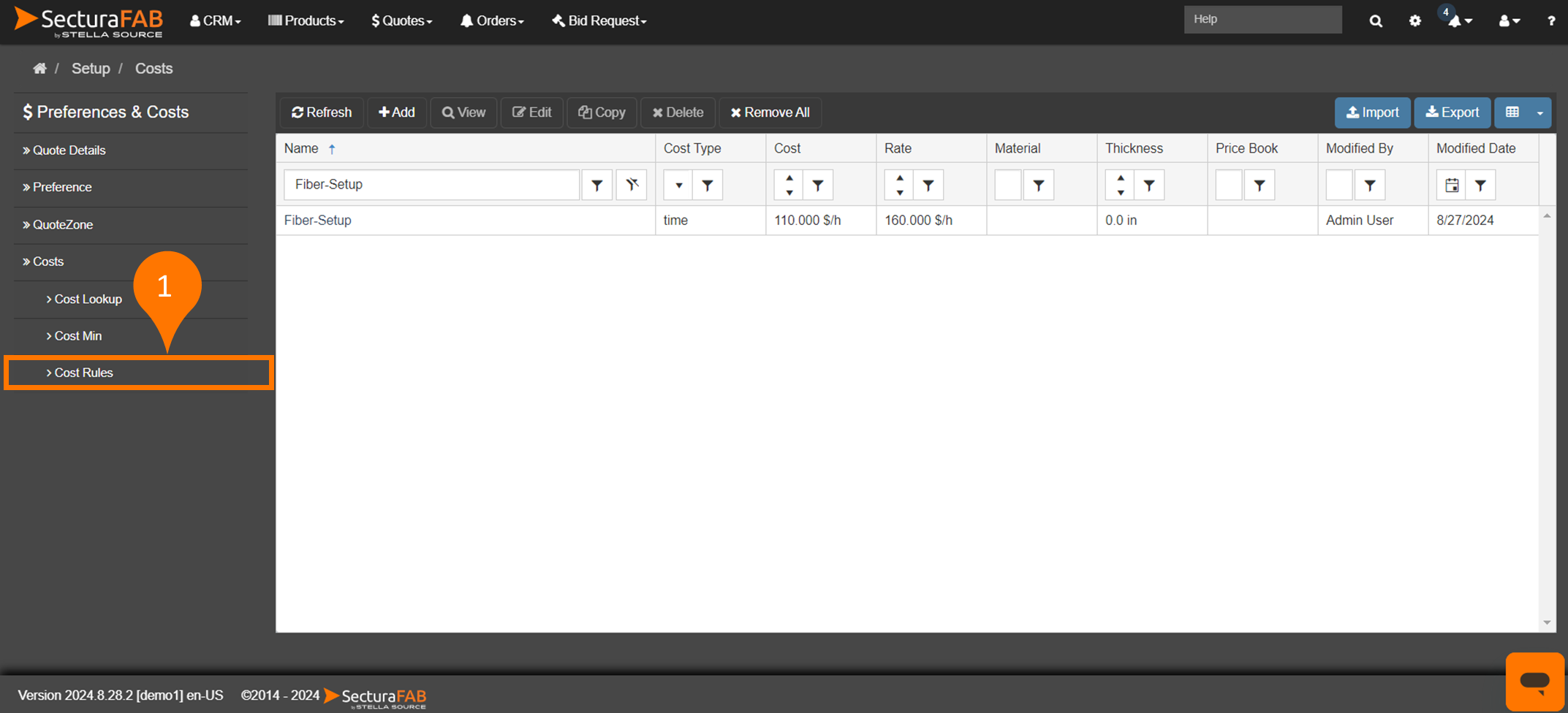
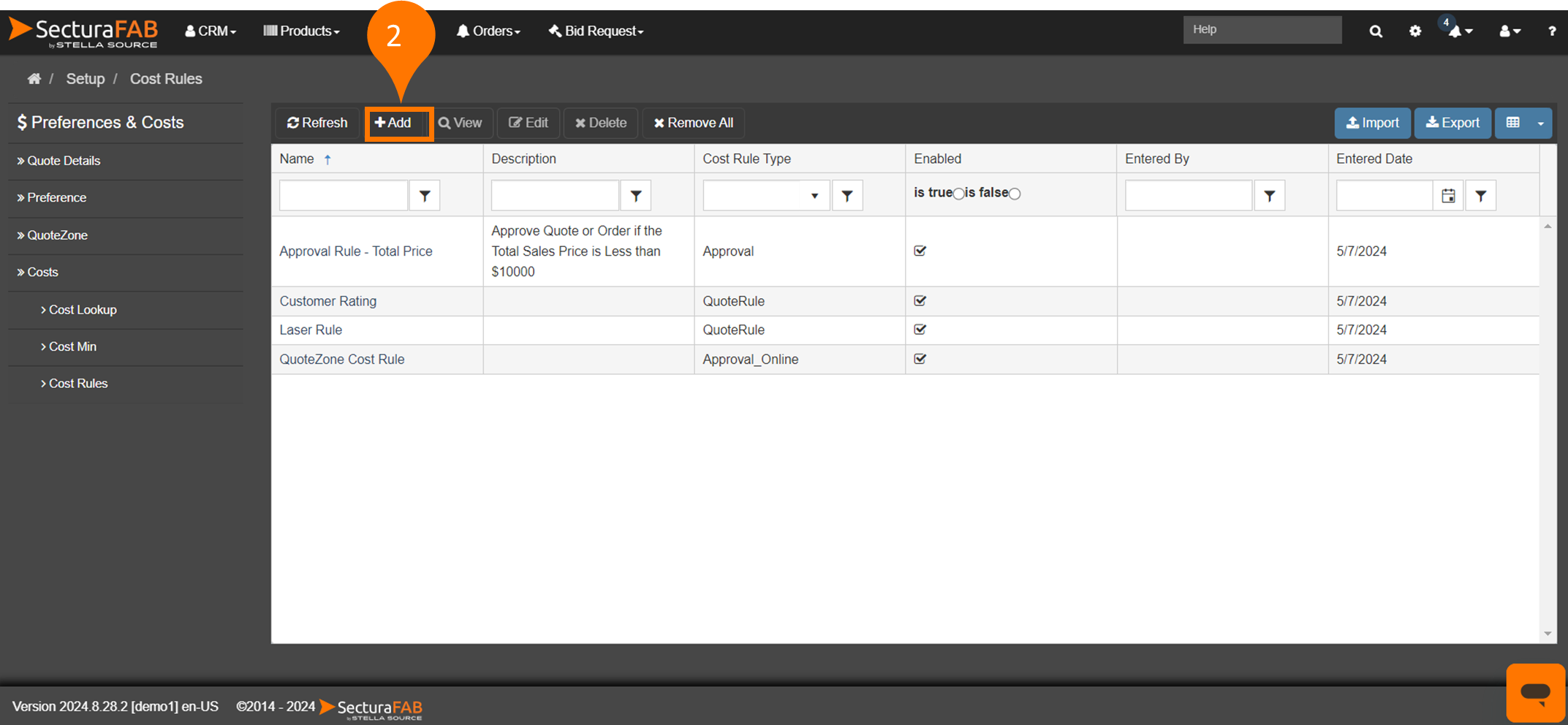
Select "Cost Rules." Here you can see a list of any current rules for your tenant. Select "Add" to create a new rule.
When creating a new rule you have options. Let's define the parameters you can set.
NameDescriptionCost Rule TypeWeight RuleQuote RuleItem RuleApprovalApproval OnlineGroup ByWeight Rule: Adjust the Material Cost of a Quote.Quote Rule: Adjust properties of a Quote.Item Rule: Adjust the properties of the line items of a Quote.Approval: Set the Approval rules for a Quote.Approval Online: Set the Approval rules for Quotes created by customer using QuoteZone.
No Group: No Grouping will be done, each item will be evaluated on its own.Material Group: All the items in a quote will be grouped by the Material Group. e.g. all SS items will be grouped together.Material Grade: All the items in a quote will be grouped by the Material Grade. e.g. all S304 items will be grouped together.Material Grade And Thickness: All the items in a quote with the same Material Grade and Thickness will be grouped together. e.g. all 1/2" S304 items will be grouped together.Product Type: All the same product will be grouped together. e.g. add Bar products will be grouped together.Product Sub Type: All the sub-products will be grouped together. e.g. all Flat-Bar products will be grouped together.Product Code: All products with the same Product Code will be grouped together.Location: All the items with at the same location will be grouped together.
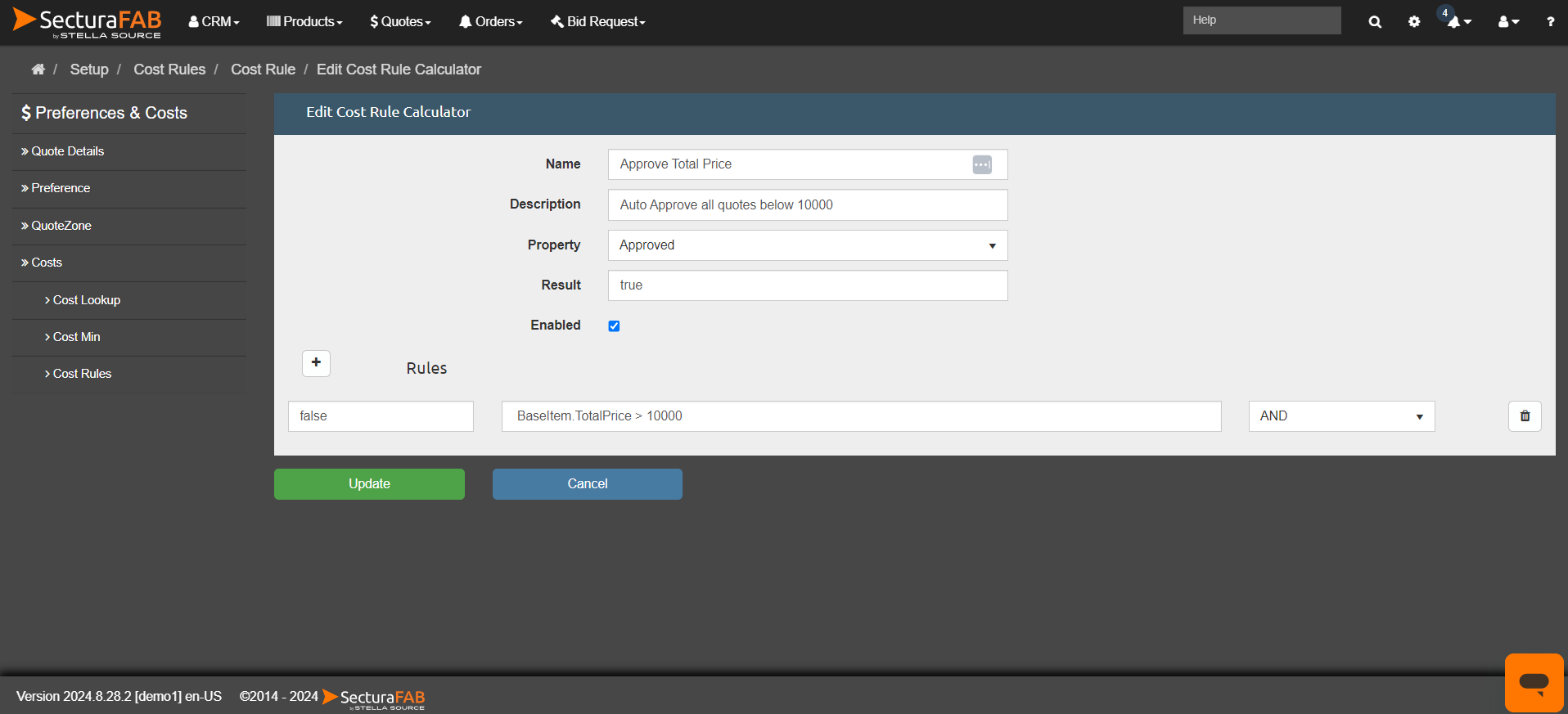
When creating a new rule, you can also create a rule calculator. Rule calculators allow you to set up different equations that will govern the execution of the rule. More than one calculator can be added to a rule and each calculator can have multiple equations. Here is an example of how a rule set up to approve a quote over a specific dollar amount is automatically applied.